
9 FREE AI tools every remote worker should have in 2026
Disclosure: Some of the links in this post are affiliate links. This means if you click on the link and purchase an item, I will receive an affiliate commission at no extra cost to you.
Working remotely gives you more flexibility, but it also means wearing many hats. One minute you’re answering emails, and the next you’re taking meeting notes, organizing projects, creating presentations, or trying to stay focused while working from home. Thankfully, the right AI tools can take many of those repetitive tasks off your plate.
The best part is that you do not have to spend money to become more productive. Many companies now offer powerful free AI tools that help remote workers write better, summarize meetings, automate everyday tasks, and manage projects more efficiently. If you’re trying to work smarter instead of harder, these free AI tools every remote worker should know about can save you hours every single week. If you’re new to remote work, you may also enjoy reading 6 FREE Websites That Gets You Hired FAST to help you find your next opportunity.
In this guide, you’ll discover the best free AI tools every remote worker should have in 2026. Whether you’re a freelancer, virtual assistant, customer support representative, marketer, designer, or software developer, you’ll find tools that make your daily work easier.
Don’t miss this guide: 8 Powerful AI Prompts You Can Use for Job Search for practical prompts that help you stand out during your job search.
Why Every Remote Worker Needs AI in 2026
Remote work has changed the way people build their careers. You can work from almost anywhere, collaborate with teams around the world, and enjoy more flexibility than ever before. At the same time, remote jobs often require you to manage many responsibilities. You answer emails, attend meetings, organize projects, write reports, and solve problems throughout the day.
That is why free AI tools every remote worker should use have become essential instead of optional. They help you complete repetitive tasks faster, organize your workload, and spend more time on work that actually requires your skills.
Many people think AI only writes articles or answers questions. In reality, today’s AI tools can summarize meetings, create presentations, improve your writing, automate workflows, organize notes, and even connect multiple apps together. The best part is that many of these tools offer generous free plans.
Learning how to use AI also makes you more competitive when applying for remote jobs. Employers increasingly expect candidates to know how modern productivity tools work. If you’re still building valuable remote skills, 5 Lucrative Remote Skills You Can Learn in 2026 can help you choose the right direction for your career.
Let’s look at nine powerful AI tools that can make remote work easier, faster, and far more productive.
9 FREE AI tools every remote worker should have in 2026
1. Claude

Claude has quickly become one of the best AI assistants for professionals who work with long documents. While many AI tools struggle with large amounts of information, Claude excels at reading lengthy files and providing clear summaries.
If your work involves contracts, reports, research papers, proposals, or company documentation, Claude can save hours every week. Instead of reading dozens of pages yourself, you can upload a document and ask Claude to explain the key ideas, identify important action items, or rewrite complicated information into simple language.
Many remote workers also use Claude as a writing partner. It helps draft emails, improve documentation, brainstorm ideas, edit reports, and organize messy notes into polished documents.
One of Claude’s biggest strengths is how natural its writing feels. The responses usually sound conversational instead of robotic. That makes it useful when communicating with clients, coworkers, or customers.
You may find this helpful: 6 Powerful Chat GPT Prompts to help reduce your workload
Claude also performs well when comparing multiple documents. For example, you can upload two different versions of a proposal and ask it to highlight the changes or recommend improvements.
Although Claude is powerful, you should still review its work before sending anything important. AI works best as an assistant rather than a replacement for your own judgment.
If writing consumes a large part of your day, Claude can easily become one of the free AI tools every remote worker should keep open throughout the workday.
2. ChatGPT
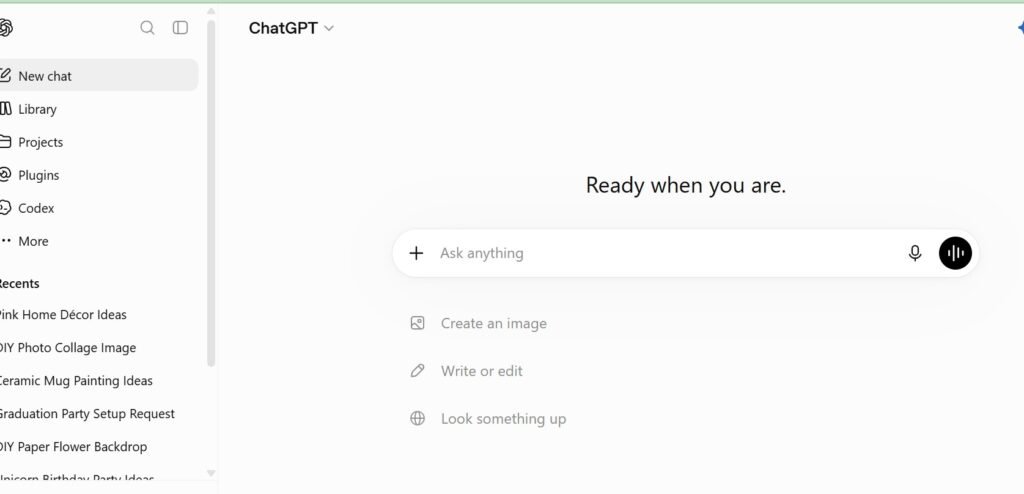
ChatGPT has become one of the most popular AI tools in the world, and for good reason. It helps remote workers complete hundreds of different tasks without switching between multiple applications.
Whether you need to write an email, summarize notes, generate ideas, create formulas, draft reports, or solve technical problems, ChatGPT can usually provide a helpful starting point.
One reason ChatGPT stands out is its flexibility. It adapts to almost any profession. Virtual assistants use it to organize daily tasks. Marketers brainstorm campaigns with it. Developers troubleshoot code. Customer support agents draft responses faster. Project managers use it to create meeting agendas and project plans.
The quality of your results depends on the quality of your prompt. Clear instructions almost always produce better answers than vague requests.
For example, instead of asking ChatGPT to “write an email,” explain who the email is for, your goal, the tone you want, and any details that should be included.
Small improvements like these often produce dramatically better responses. If you want to learn advanced prompting techniques, 9 FREE AI tools every remote worker should have in 2026shares practical examples that save time during everyday work.
ChatGPT also works well as a learning tool. You can ask it to explain complicated topics, create study plans, generate practice questions, or simplify technical concepts. Many professionals even use it as a brainstorming partner whenever they feel stuck.
Although ChatGPT saves time, always fact-check important information before using it professionally. AI occasionally makes mistakes, especially when discussing recent events or specialized topics. Used wisely, ChatGPT remains one of the most valuable free AI tools every remote worker can use every single day.
3. Perplexity AI
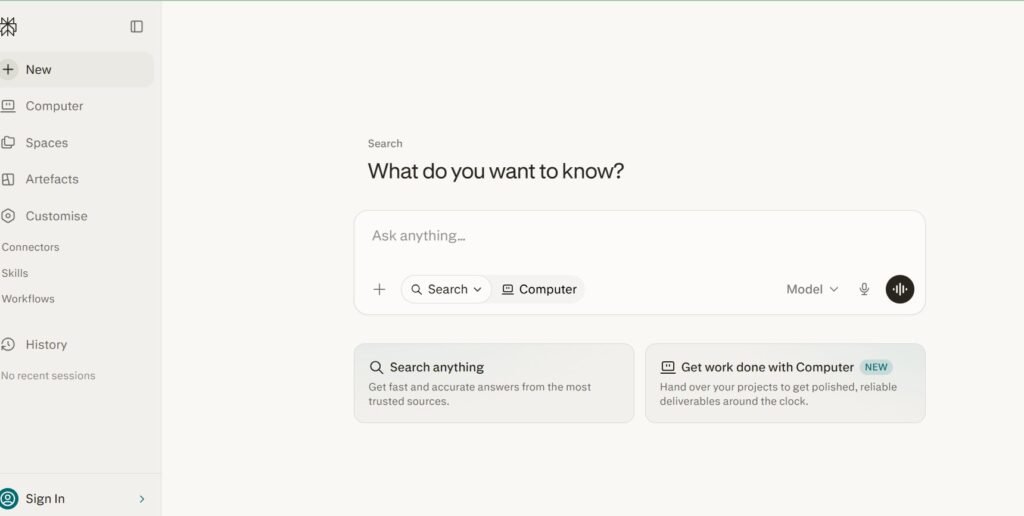
Perplexity AI combines traditional search with artificial intelligence. Instead of giving you dozens of links to open, it searches the web, summarizes information, and cites its sources in one place. This makes research much faster.
Imagine preparing for a client meeting or writing a report. Instead of spending thirty minutes opening different websites, Perplexity gathers the information, organizes it clearly, and points you to the original sources for verification.
That feature makes it especially useful for consultants, researchers, marketers, content creators, and freelancers who need reliable information quickly. Perplexity also allows follow-up questions, making research feel like having a conversation rather than performing multiple searches.
For example, you could ask about industry trends, then immediately request statistics, case studies, or explanations without starting over. Because it includes citations, you can easily verify important claims before sharing them with clients or teammates.
Learning to research efficiently also helps when preparing for interviews or applying for jobs. 8 Powerful AI Prompts You Can Use for Job Search shows how AI can improve every stage of your job search while helping you present yourself more professionally.
Perplexity should never replace critical thinking, but it dramatically reduces the time needed to gather trustworthy information. That alone earns it a place among the best free AI tools every remote worker should use in 2026.
4. Notion AI
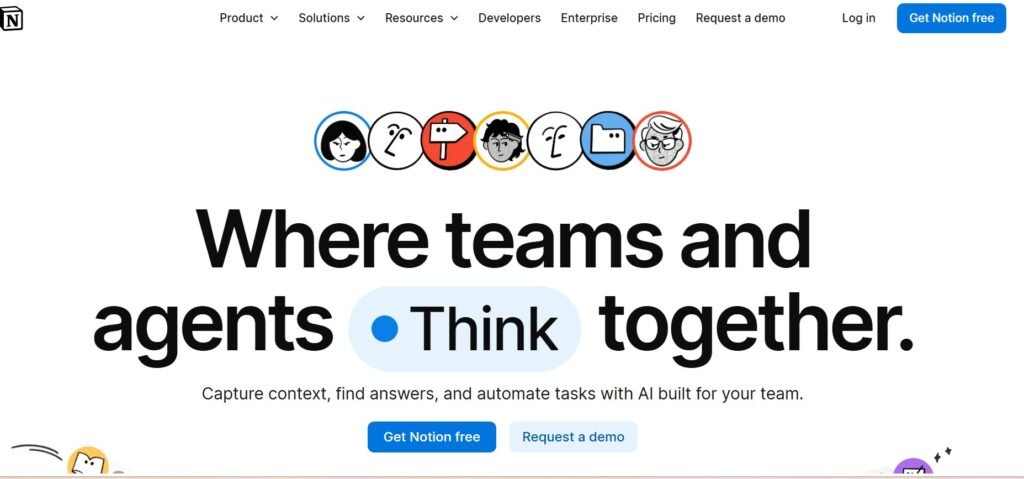
Notion has already become one of the most popular workspace apps for remote teams. It keeps notes, projects, calendars, documents, and task lists in one place. With Notion AI built in, it becomes even more powerful.
Instead of staring at a blank page, you can ask Notion AI to create meeting agendas, summarize notes, rewrite paragraphs, generate project plans, or organize scattered ideas into a clear document.
This is especially useful if you manage several projects at once. Rather than jumping between different apps, you can plan your work, document progress, and let AI help with the writing. Notion AI also saves time after meetings. Paste your meeting notes into the page, and the AI can highlight action items, summarize discussions, and create simple task lists for your team.
Another useful feature is its ability to rewrite content in different styles. You can make documents shorter, more detailed, friendlier, or more professional with only a few prompts. The more organized your workspace becomes, the easier it is to stay productive throughout the day.
Strong organization also matters when learning new skills. If you want to improve your technical knowledge while managing your projects, 10 APPS That Teaches Tech Skills for FREE offers excellent platforms to continue learning.
For remote workers who spend hours planning projects or documenting processes, Notion AI easily ranks among the most useful free AI tools every remote worker should try.
5. Canva AI
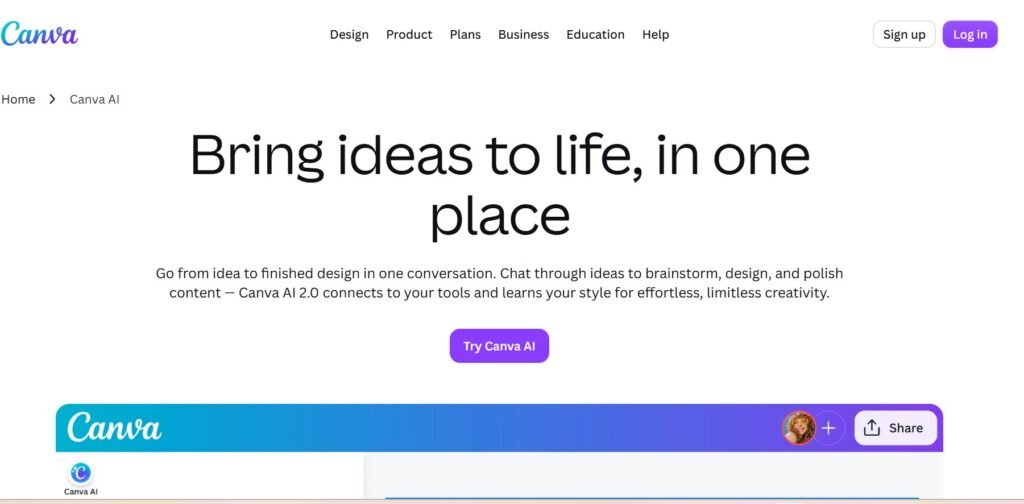
Many remote jobs require visual communication. You may need to create presentations, social media graphics, proposals, reports, training materials, or marketing content. Canva has simplified graphic design for years, and its AI features make the process even faster.
Instead of building everything from scratch, Canva AI can generate presentations, resize graphics, remove backgrounds, expand images, write marketing copy, and suggest layouts within minutes. Even people with no design experience can create professional-looking visuals.
One feature many remote workers enjoy is Magic Design. Simply describe what you need, upload a few images if necessary, and Canva generates multiple design ideas that you can customize. Magic Write also helps create captions, headlines, presentation text, and marketing content directly inside Canva.
These tools allow you to spend less time formatting slides and more time focusing on your message. Canva AI becomes even more valuable when working with clients. Instead of waiting for a designer to create every small graphic, you can quickly build attractive presentations and proposals yourself.
Learning design skills remains valuable for many remote careers. If you’d like to expand your creative abilities, 7 Websites to Start Learning Video Editing for FREE introduces excellent resources that pair well with Canva’s design features. Canva proves that professional design no longer requires expensive software or years of experience. It remains one of the best free AI tools every remote worker can add to their daily workflow.
6. Grammarly
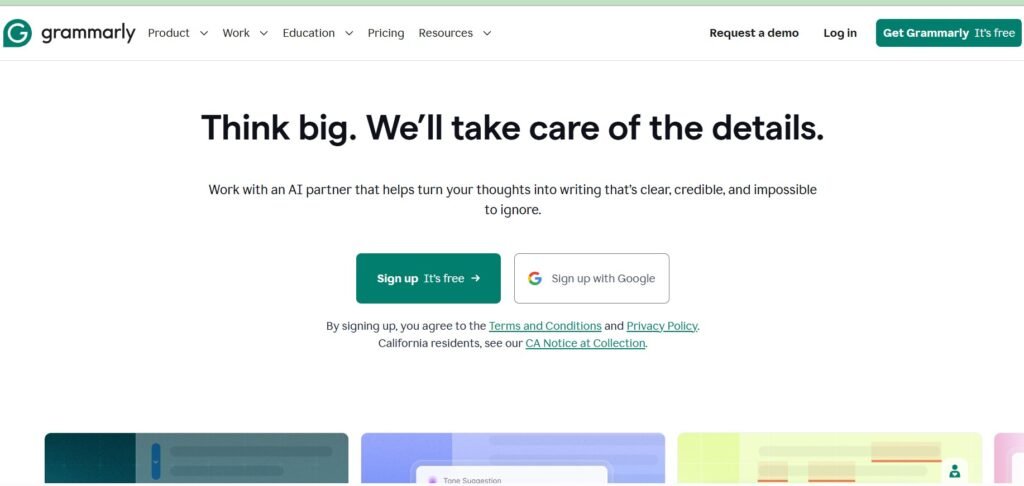
Clear communication matters even more when you work remotely. Since much of your work happens through emails, chat messages, proposals, and reports, your writing often creates the first impression. Grammarly helps ensure those first impressions remain positive.
Most people know Grammarly as a spelling and grammar checker. Today, it does much more than that. Its AI features rewrite sentences, improve clarity, adjust tone, shorten paragraphs, and suggest stronger wording based on your audience.
For example, you might write a quick email that sounds too blunt. Grammarly can soften the language while keeping your message professional. If your report feels repetitive, Grammarly recommends smoother wording that improves readability without changing your meaning.
The AI also explains why it suggests certain edits. That means you improve your writing skills while editing your work. Another helpful feature is tone detection, which analyzes your message before you send it and warns you if your writing may sound overly formal, too casual, or unintentionally harsh.
Those small improvements can strengthen communication with teammates and clients. Strong communication also helps during the hiring process. If you’re searching for remote opportunities, 6 FREE Websites That Gets You Hired FAST can help you find companies looking for skilled professionals.
Among all the free AI tools every remote worker can use, Grammarly remains one of the easiest ways to improve daily communication without adding extra work.
7. Otter.ai
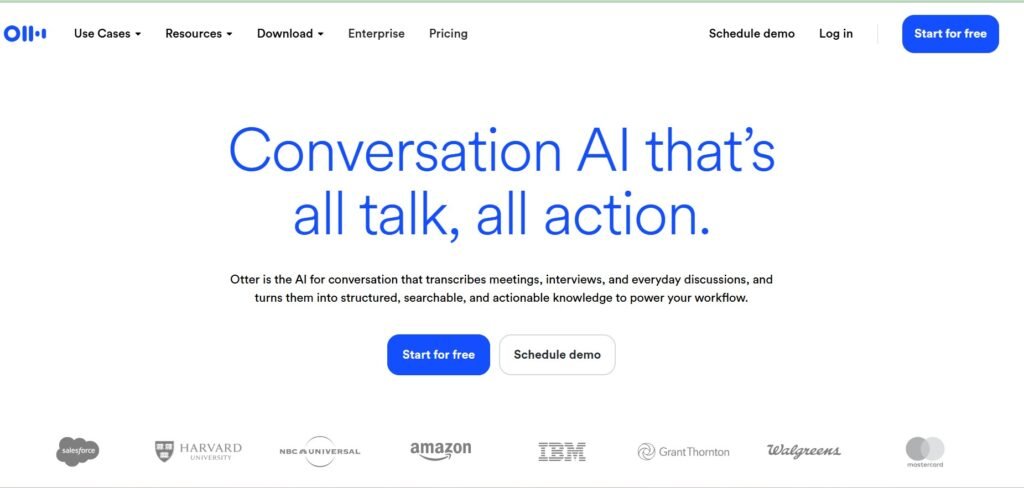
Taking notes during meetings sounds simple until you also need to listen, ask questions, and participate in the discussion. It is easy to miss important details when you’re trying to do everything at once.
Otter.ai solves that problem by recording conversations, creating live transcripts, and generating meeting summaries automatically. Instead of filling pages with handwritten notes, you can stay focused on the conversation while Otter.ai captures the details for you.
After the meeting ends, you receive a searchable transcript that makes finding important information much easier. Rather than replaying an entire recording, simply search for a keyword and jump to the exact section you need.
Otter.ai also identifies action items, highlights key discussion points, and creates summaries that you can quickly share with teammates. This becomes especially helpful for project managers, virtual assistants, consultants, customer support teams, and freelancers who attend multiple meetings every week.
If you regularly interview clients, host webinars, or conduct training sessions, Otter.ai can also become a valuable documentation tool. See this: 20 FREE resources to learn Cybersecurity
Although the transcripts are usually accurate, it is still worth reviewing names, technical terms, and industry-specific language before sharing them. For busy professionals who spend much of their day in online meetings, Otter.ai easily earns its place among the best free AI tools every remote worker should have in 2026.
8. Zapier
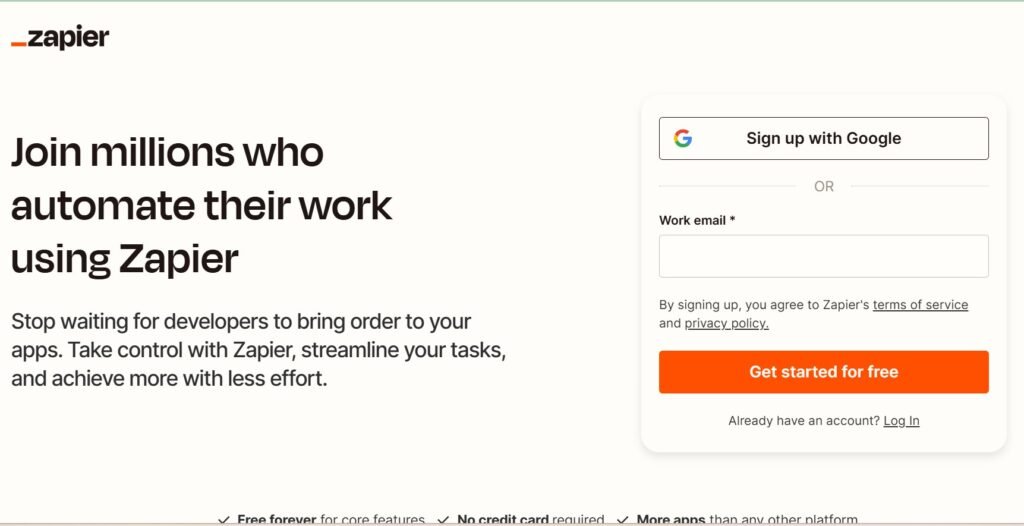
One of the biggest productivity killers is repeating the same small tasks every day. Copying information between apps, updating spreadsheets, saving attachments, or sending routine notifications might only take a few minutes each time. However, those minutes quickly become hours every month. Zapier helps eliminate that repetitive work through automation.
Instead of manually moving information between apps, Zapier creates automated workflows called “Zaps.” Once a trigger happens, the rest of the process runs automatically. For example, you can automatically save Gmail attachments to Google Drive, add new leads from a form into your CRM, send Slack notifications when tasks are completed, or create calendar events from meeting bookings.
The possibilities are almost endless because Zapier connects with thousands of popular applications. You do not need programming knowledge to build these workflows.
Most automations only require selecting a trigger, choosing an action, and testing the connection. As your workload grows, these small automations save surprising amounts of time.
Rather than performing repetitive administrative work, you can focus on client projects, learning new skills, or growing your business. If you’re looking for another practical skill that employers value, 9 Websites That Teach You EXCEL Courses for FREE can help you strengthen one of the most requested workplace skills alongside automation.
When used consistently, Zapier becomes one of those free AI tools every remote worker wonders how they ever worked without.
9. Gamma AI
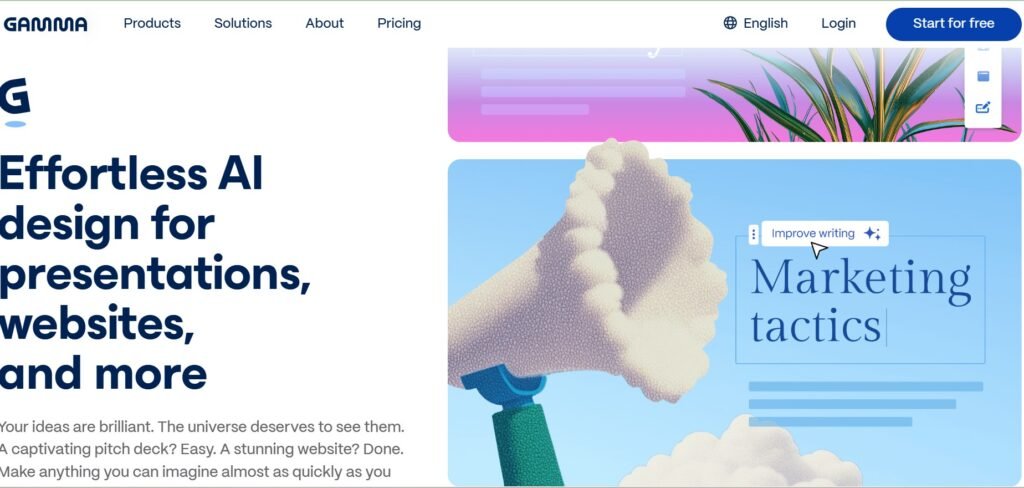
Creating presentations often takes much longer than expected. You organize information, design slides, choose layouts, adjust fonts, and move images around before you even finish your content. Gamma AI removes much of that work. Instead of building presentations slide by slide, you simply describe your topic. Gamma then generates a complete presentation with organized sections, attractive layouts, images, and clean formatting.
You can still edit every slide afterward, but the hardest part is already finished. This makes Gamma especially useful for consultants, marketers, educators, freelancers, startup founders, and remote teams that frequently present ideas to clients or coworkers.
Beyond presentations, Gamma can also create reports, proposals, documentation, and interactive webpages. Its clean design makes your work look polished without requiring advanced design skills.
The AI also allows you to regenerate sections, rewrite content, expand ideas, or simplify explanations whenever needed. That flexibility saves valuable time while helping you create professional documents much faster.
As AI continues to improve, tools like Gamma show how quickly everyday work is changing. Learning these platforms now gives you an advantage over professionals who still rely entirely on manual processes.
If you’re interested in expanding your cybersecurity knowledge while building a stronger remote career, 20 FREE Resources to Learn Cybersecurity is another excellent place to continue learning.
Final Thoughts
The best remote workers are not necessarily the busiest people. They are the people who know how to use their time wisely. That is exactly where AI makes the biggest difference.
These free AI tools every remote worker should know about are designed to remove repetitive tasks, improve communication, organize projects, automate workflows, and help you produce better work in less time. They are not meant to replace your skills. Instead, they allow you to focus on creative thinking, problem-solving, and building stronger relationships with clients and teammates.
You do not need to master every tool in one day. Start with one or two that solve your biggest challenge. As those become part of your daily routine, gradually add more until your workflow becomes faster and more organized.
The future of remote work will belong to professionals who combine technical skills with smart productivity habits. AI is simply another tool that helps you work more efficiently.
Whether you’re searching for your first remote position or growing an established career, learning these free AI tools every remote worker should use in 2026 will help you save time, reduce stress, and stay competitive in an increasingly digital workplace.







20 Comments