
7 Websites To Start Learning Video Editing For FREE
Disclosure: Some of the links in this post are affiliate links. This means if you click on the link and purchase an item, I will receive an affiliate commission at no extra cost to you.
Not long ago, creating videos was something most people left to television stations and large production companies. Today, almost every business, creator, and brand needs videos to reach more people online. Open Instagram, TikTok, YouTube, LinkedIn, or Facebook, and you’ll quickly notice one thing. Video is everywhere. That is exactly why I believe video editing is one of the smartest skills you can learn today.
The exciting part is that you do not need a film degree or expensive equipment to get started. Many successful editors began by watching free tutorials, practicing every day, and improving one project at a time. With consistency, those simple practice sessions turned into freelance work, remote jobs, and even full-time careers.
There are now many websites to start learning video editing without paying for expensive courses. They teach everything from cutting clips and adding transitions to color grading, sound design, motion graphics, and storytelling. Most of them let you learn at your own pace, making it easier to fit lessons into your daily schedule.
Video editing is also a skill that works well with many career paths. You can become a freelancer, work remotely for companies around the world, edit content for YouTubers, create social media videos for businesses, or even launch your own content channels. If your goal is building valuable digital skills, you may also enjoy 5 Lucrative Remote Skills you can learn in 2026, which explores other abilities that continue to stay in high demand.
In this guide, I’ll share seven of the best websites to start learning video editing for free. You’ll also discover what makes each platform unique and how to get the most from your learning experience.
Why Learn Video Editing?
Video editing is much more than trimming clips together. Good editing tells a story. It captures attention, creates emotion, and keeps people watching until the very end. That is why companies invest heavily in skilled editors.
From small businesses to international brands, everyone needs engaging video content. Learning websites to start learning video editing gives you access to a skill that stays valuable across many industries.
Remote Work Opportunities
Many video editors never step into an office. They work from home while serving clients across different countries. Some edit YouTube videos. Others create advertisements, online courses, podcasts, documentaries, or social media reels. Since everything happens online, location rarely becomes a barrier.
Open this next: 9 Websites that teach you EXCEL courses for FREE
Freelancing Potential
Video editing is one of the easiest creative skills to turn into freelance income. As your portfolio grows, you can begin charging for your work. Many clients simply want someone who understands clean editing, smooth transitions, clear audio, and storytelling. They care more about results than certificates.
Content Creation
If you dream of becoming a YouTuber or building a personal brand, editing becomes one of your greatest strengths. You no longer depend on someone else to bring your ideas to life. Instead, you control every part of your content. That saves money while helping you develop your own editing style.
See this next: 20 FREE resources to learn Cybersecurity
A Skill That Keeps Growing
The demand for video continues to increase every year. Businesses now create tutorials, product demonstrations, advertisements, behind-the-scenes videos, interviews, webinars, and short-form content every day. Someone has to edit all those videos. That creates opportunities for skilled editors.
What Should Beginners Learn First?
Before opening complicated software, focus on the basics. Learning simple editing techniques first makes everything else much easier. Here are a few core skills every beginner should practice.
Cutting and Trimming
Every good video begins with removing unnecessary footage. Learning when to cut keeps viewers interested.
Adding Transitions
Transitions connect scenes naturally. Simple transitions often look cleaner than flashy effects.
Come back to this: 9 FREE AI tools every remote worker should have in 2026
Working With Audio
People often forgive average video quality. Poor audio is much harder to ignore. Learning basic audio cleanup makes your videos feel far more professional.
Adding Text
Titles, captions, and lower thirds help viewers understand your message. Modern editors use text in almost every project.
Basic Color Correction
Even small color adjustments can completely change how a video feels. Learning this skill early improves every project you create.
7 Websites to start learning video editing for FREE
1. BBC Maestro Free Lessons
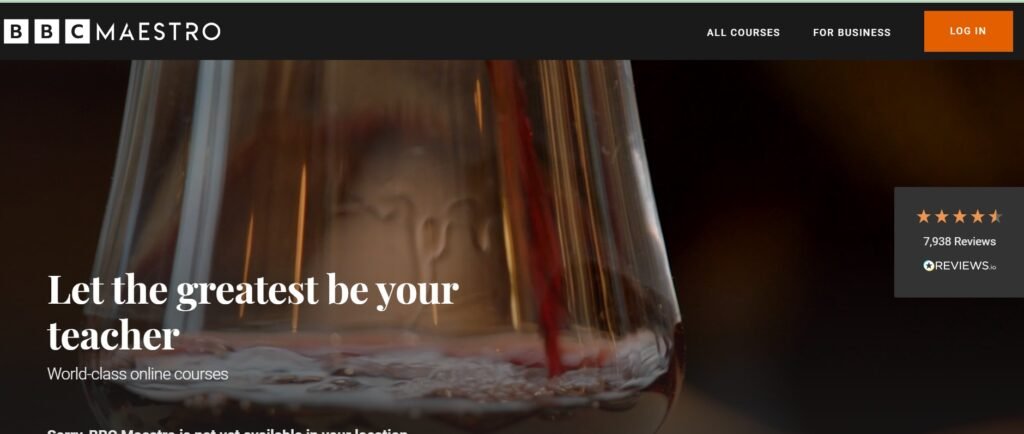
If you’ve ever wished you could learn directly from people who have spent years working in the creative industry, BBC Maestro is a great place to begin.
Although most of its courses are paid, it also offers free lessons that introduce you to professional editing and filmmaking concepts. These lessons focus on more than just learning software. They teach you how experienced creators think when putting a story together. That makes a big difference.
Good editors do not simply know where to cut a clip. They know why a scene should start, when it should end, and how every edit affects the viewer. If you’re interested in building strong editing habits from the beginning, BBC Maestro is one of those websites to start learning video editing that helps you understand the creative side of the craft.
Save this guide: 6 FREE Websites that gets you hired FAST
2. EditStock Free Practice Footage
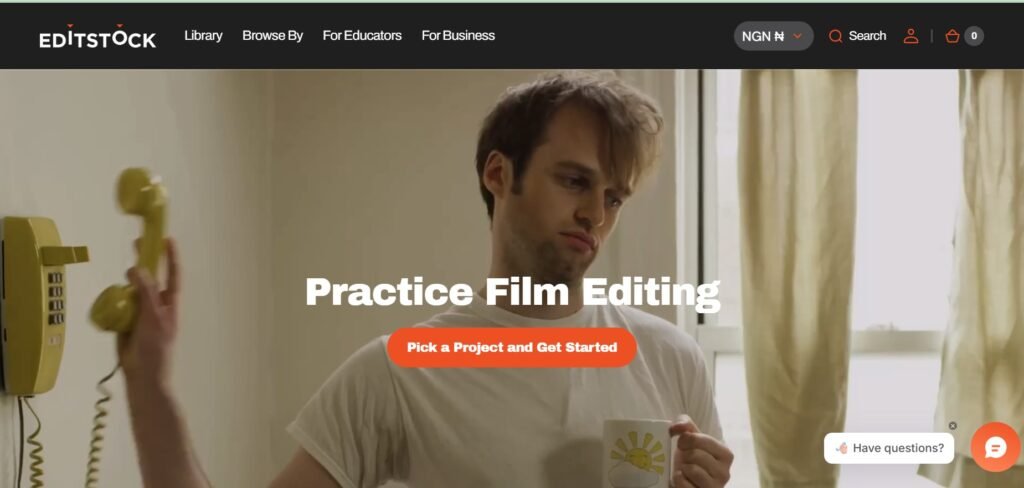
Watching tutorials helps, but nothing improves your editing faster than working with real footage. That’s exactly what EditStock offers. Instead of filming your own clips, you can download professional practice footage and edit it yourself. The footage feels like something you would receive from an actual client, making it excellent practice before taking on paid work.
I like this because it helps beginners experience what a real editing workflow looks like. You learn how to organize clips, choose the best takes, build a story, and finish a complete project instead of simply following along with someone else’s edit.
If you want hands-on experience, EditStock is one of the most useful websites to start learning video editing because it lets you learn by doing.
Open this next: 9 Websites that teach you EXCEL courses for FREE
3. Mixkit Learn
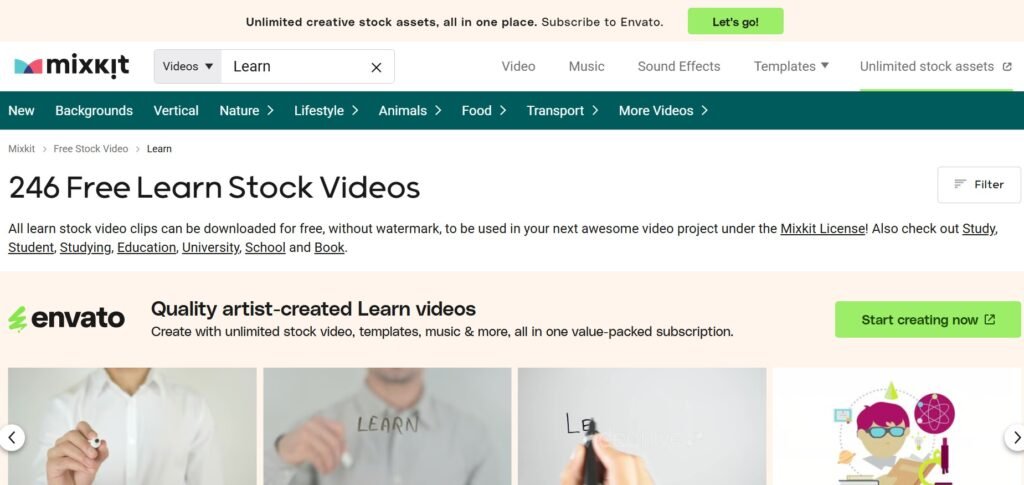
Mixkit is already popular for its free videos, music, sound effects, and templates, but many people overlook its learning section. Mixkit Learn keeps things simple. The tutorials explain editing techniques without making beginners feel overwhelmed. You’ll find lessons covering transitions, effects, color, pacing, and other practical skills that you can apply immediately to your own projects.
One thing I really enjoy is that you can learn a new technique and then use Mixkit’s free creative assets to practice it right away. That makes learning much more enjoyable because you’re creating instead of only watching.
If you’re just getting started, Mixkit is one of those websites to start learning video editing that gives you both the lessons and the resources to improve your skills.
Discover more here: 10 APPS that teach tech skills for FREE
4. Motion Design School Free Resources
If you’ve ever watched a video and wondered how the text slides in so smoothly or how simple graphics make everything feel more professional, Motion Design School is worth exploring.
It goes beyond basic editing and introduces you to motion graphics, text animation, and the little details that make videos feel polished. Instead of simply showing you effects to copy, the lessons explain why those effects work and when to use them. That approach helps you think like an editor instead of someone who only follows tutorials.
You’ll also find downloadable resources that let you practice as you learn. As your confidence grows, you’ll naturally begin creating videos that feel cleaner and more intentional.
If you enjoy adding movement to titles, creating animated graphics, or making your edits look more professional, this is one of the best websites to start learning video editing beyond the basics.
This guide will help you: 8 Powerful AI Prompts you can use for job search
5. Blackmagic Design Training
Many professional editors recommend learning DaVinci Resolve, and Blackmagic Design makes that possible without charging you for the training.
Their free courses take you from beginner lessons to advanced editing techniques using the same software that many filmmakers and production studios use every day. I like how structured everything feels.
Instead of searching through random tutorials, you follow lessons that build on one another. Each new skill makes the next lesson easier to understand.
The courses also include practice files, so you’re not just watching someone edit. You’re following along and building confidence with real projects. Many paid editors started exactly here, which says a lot about the quality of the training. If DaVinci Resolve is the software you want to learn, this should be one of your first stops.
See more ideas in this post: 8 SMART ways to find clients on X (twitter) and get hired FAST
6. Vimeo Video School
Vimeo is known for hosting beautiful videos, but many people don’t realize it also teaches the skills behind creating them. The lessons focus on video editing, storytelling, and production without making things feel overwhelming. One thing I appreciate is the pace.
The tutorials explain editing decisions slowly and clearly, making it easier to understand why certain cuts work better than others. You’ll also learn how music, timing, pacing, and visual flow come together to tell a stronger story. Those lessons become valuable because editing is about much more than pressing buttons inside software.
It’s about knowing how to keep someone watching from beginning to end. If you enjoy understanding the creative side of editing instead of rushing through tutorials, Vimeo is one of those websites to start learning video editing that deserves your attention.
Discover more: 100 Hobbies That Will Turn Your Time Into Money
7. Cinecom.net
If you enjoy learning by following along with someone who explains every step clearly, Cinecom is a fantastic resource. The lessons focus on editing, visual effects, and video storytelling in a way that feels practical instead of intimidating. Rather than rushing through complicated techniques, the instructors break each process into simple steps that are easy to understand and repeat.
I also like that many of the tutorials are based on real projects. You’ll learn techniques that work well for YouTube videos, short-form content, commercials, and client work. As your skills improve, you’ll begin to notice that the same editing principles apply across many different types of videos.
Cinecom is one of those websites to start learning video editing that keeps teaching useful skills long after you’ve mastered the basics.
Open this guide now: 9 FREE AI tools every remote worker should have in 2026
Tips That Will Help You Learn Faster
Learning video editing takes practice. Watching tutorials alone is not enough. The editors who improve the fastest spend more time editing than watching lessons. Here are a few habits that make a big difference.
Practice Every Day
Even twenty minutes of editing each day builds experience. Small daily practice sessions add up much faster than one long session every few weeks. Consistency beats intensity.
Finish Small Projects
Many beginners keep starting new edits without finishing them. Instead, complete one simple project before moving to another. Each finished video teaches valuable lessons.
Learn One Software First
Switching between different editing programs can become confusing. Choose one application and stay with it until you understand the basics. Once you become comfortable, learning another editor becomes much easier.
Watch Professional Videos
Study videos you enjoy watching. Pay attention to:
- How often scenes change.
- Music choices.
- Text animations.
- Sound effects.
- Color grading.
- Storytelling.
Professional editors constantly learn by observing other creators.
Accept That Your First Videos Will Not Be Perfect
Every experienced editor started as a beginner. Your first project may feel slow. The second will feel easier. By the tenth project, you’ll notice how much you’ve improved. Progress comes from repetition, not perfection.
Build Good Editing Habits Early
One mistake many beginners make is creating messy projects. Professional editors stay organized from the very beginning. Create folders for:
- Video clips.
- Music.
- Sound effects.
- Images.
- Graphics.
- Finished exports.
Rename your files clearly instead of leaving names like “Video001.” These simple habits save hours later when projects become larger. Another habit worth building is learning keyboard shortcuts. Almost every professional editor relies on shortcuts because they dramatically speed up the editing process.
At first they may seem difficult to remember. After a few weeks, they become second nature and make editing much more enjoyable. If your goal is working online, building technical skills like video editing is only one part of the journey.
Learning how to present those skills is just as important. 6 FREE Websites that Gets You Hired FAST can help you discover platforms where you can showcase your growing experience and begin finding opportunities.



14 Comments