
15 FREE Resources to Get You Started With Video Editing
Disclosure: Some of the links in this post are affiliate links. This means if you click on the link and purchase an item, I will receive an affiliate commission at no extra cost to you.
You can start learning video editing without buying expensive software or enrolling in a costly program. A phone, laptop, internet connection, and consistent practice can take you surprisingly far.
Video content now supports businesses, creators, educators, freelancers, and online brands. That demand creates opportunities for people who can turn raw clips into clear, engaging videos. You can learn the basics first, then gradually improve your storytelling, transitions, audio, captions, pacing, and visual effects.
The hardest part often involves knowing where to begin. Too many tutorials can leave you jumping between techniques without building a solid foundation. That is why choosing reliable 20 FREE Resources to Learn Cybersecurity can save you time and help you practice with purpose.
You can explore beginner tutorials, editing software, structured courses, creator communities, and practical exercises. Some resources focus on mobile editing, while others introduce professional desktop workflows. As you progress, you can learn how to edit short-form videos, YouTube content, promotional clips, tutorials, and social media posts.
Video editing can also complement other valuable digital skills. For example, stronger editing abilities can support content creation, marketing, freelancing, and remote work. You can explore 5 Lucrative Remote Skills You Can Learn in 2026 while deciding how video editing could fit into your career plans.
Most importantly, you do not need to master everything at once. Start with one resource, edit small projects, learn from your mistakes, and keep improving.
15 FREE Resources to Get You Started With Video Editing
1. CapCut
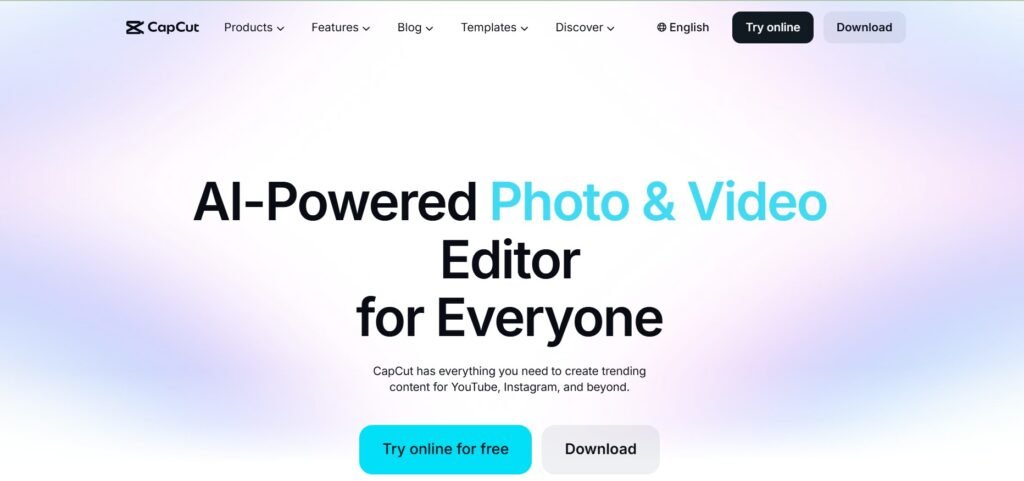
CapCut offers beginners an accessible place to start practising video editing. The platform supports both mobile and desktop workflows, allowing you to trim clips, add text, adjust speed, use transitions, and work with audio.
It also works particularly well for short-form content, including Reels, TikToks, and YouTube Shorts. Its biggest advantage is simplicity. You can open the app and begin experimenting without first understanding complicated editing terminology, making CapCut one of the most useful resources in a list of 15 FREE Resources to Get You Started With Video Editing.
Start with a short project by choosing five clips and arranging them into a simple sequence. Cut unnecessary sections and add basic captions, then watch the finished version several times.
Notice where the pacing feels slow, look for awkward cuts, and check whether the captions appear at the right moments. Each small adjustment helps you learn.
CapCut also gives beginners access to templates and effects. Use these features as references rather than relying on them completely. Try recreating an edit manually after studying a template. That exercise can help you understand timing, transitions, and visual rhythm.
For additional digital tools that can support your learning journey, explore 10 APPS That Teach Tech Skills for FREE.
2. DaVinci Resolve
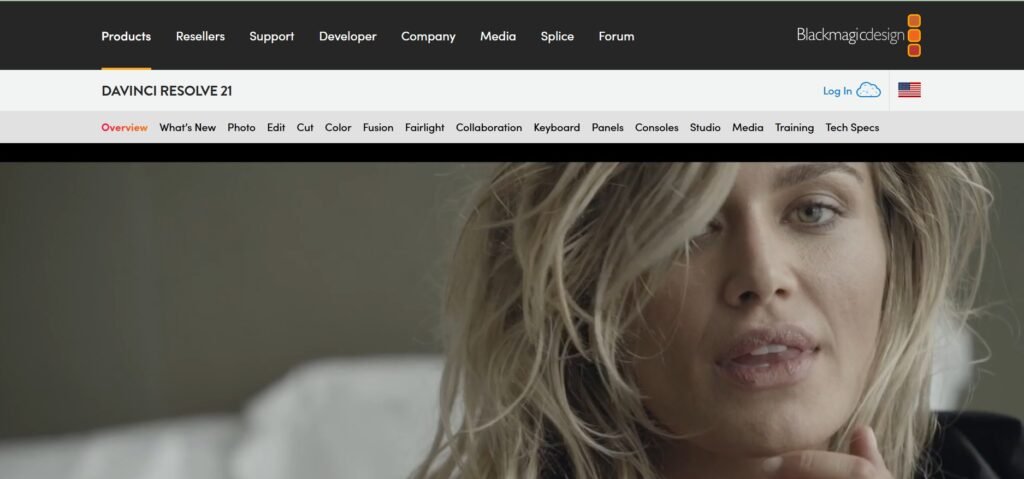
DaVinci Resolve provides a more advanced editing environment for people who want to develop their video editing skills. The software includes professional editing, colour grading, visual effects, and audio tools.
You do not need to learn every feature immediately. Start with the editing timeline and learn how to import media, cut clips, and arrange a basic sequence. Once you feel comfortable, experiment with transitions and simple text.
Next, explore colour correction. Colour grading can dramatically change the mood of your footage, making a scene feel warmer, darker, cleaner, or more dramatic.
DaVinci Resolve also includes Fairlight for audio work, giving you another opportunity to improve your videos. Good audio can make ordinary footage feel much more professional. You can reduce distracting noise, balance volume, and improve clarity.
The software may feel complicated at first, but that does not mean you should avoid it. Break the learning process into smaller sections: spend one session practising cuts, another working on audio, and a later session studying colour. This gradual approach can make advanced editing software much easier to understand.
You can also strengthen your broader digital skills through 25 FREE Platforms to Learn Skills That Pay in 2026.
3. VN Editor
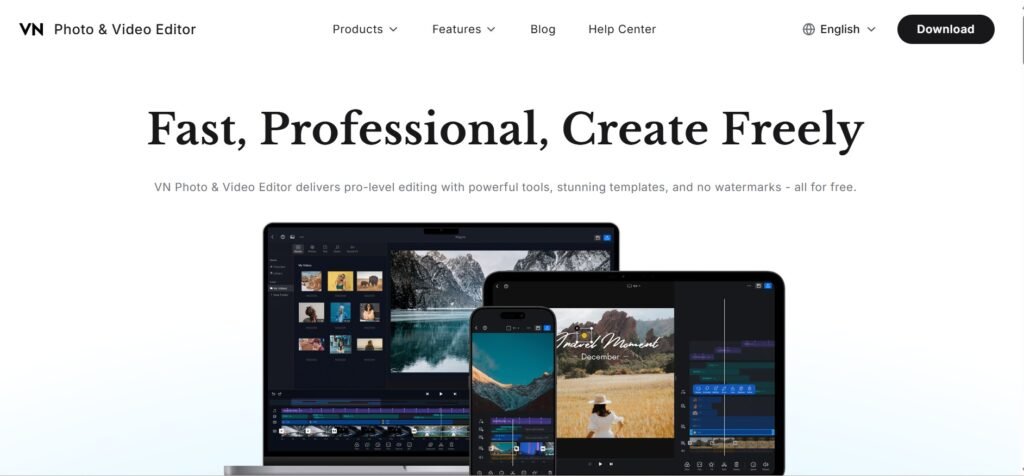
VN Editor offers another beginner-friendly option, with an interface that keeps the editing process relatively clean and straightforward. You can work with timelines, captions, transitions, music, and other common editing features.
The resource is especially useful for beginners who want more control without immediately moving to highly complex software. One appealing feature is its clean workflow, which lets you focus on your footage rather than searching through endless menus.
That matters during the learning stage because too many tools can distract beginners. A simple editor allows you to concentrate on the fundamentals.
Practise cutting dead space, learn how to position captions, and experiment with speed changes. You can also try simple zoom effects, then export your work and review it.
Each completed project gives you another opportunity to notice mistakes. Your first few videos may feel awkward, but keep going. Your editing decisions can improve through repetition. That principle matters more than collecting software. Strong editors develop judgement over time.
Read this: 10 APPS that teach tech skills for FREE
4. iMovie
Apple users can start learning video editing with iMovie, which works on Mac and iPhone devices. Its timeline system makes basic editing relatively easy to understand.
You can import clips, arrange them, trim footage, add music, and create simple transitions. This makes iMovie useful for learning the fundamentals without getting distracted by complicated visual effects.
At the beginning, focus on telling a clear story. Suppose you have a collection of travel clips. Arrange the strongest moments, remove repetitive footage, and add music that fits the mood. Then create a simple opening and ending.
That small project can teach you more than hours of passive tutorials. The lessons you learn can also transfer to more advanced editing software later.
If you want to strengthen your creative toolkit, 10 Websites to Start Learning Graphic Designs for FREE can complement your editing practice.
5. Daniel Schiffer
Daniel Schiffer’s tutorials can help you understand clean cuts, pacing, and storytelling. One of the biggest lessons is the importance of restraint. Good editing does not require constant effects, and a strong cut can communicate more than a complicated transition.
Study how clips move from one moment to another. Notice the timing, pay attention to where the editor makes each cut, and observe how the camera angles support the story.
Then recreate one small section yourself. You do not need to publish the recreation; use it as a practice exercise to develop your editing instincts. Storytelling becomes easier when you understand how these elements work together.
You can also explore 7 Websites to Start Learning Video Editing for FREE for additional beginner resources.
6. Ali Abdaal
Ali Abdaal’s content provides useful lessons on editing for clarity. This distinction matters because many beginners focus heavily on effects. They add animations, transitions, and sound effects without considering whether those elements support the message.
Strong editing should make the content easier to understand. If someone is explaining an idea, the viewer should be able to follow it without unnecessary distractions. Remove moments that create confusion, keep useful visuals on screen, use text when it improves comprehension, and cut unnecessary repetition.
Then review the final video from the viewer’s perspective. Ask yourself whether every section earns its place. Developing this habit can improve your editing quickly.
You can also learn how YouTube editing supports audience retention. A creator cannot rely on visuals alone. The pacing must match the content, and you can study this principle even when editing videos for clients.
The same skill applies to tutorials, educational videos, and business presentations. The goal is to use editing to strengthen the message rather than distract from it.
7. Think Media
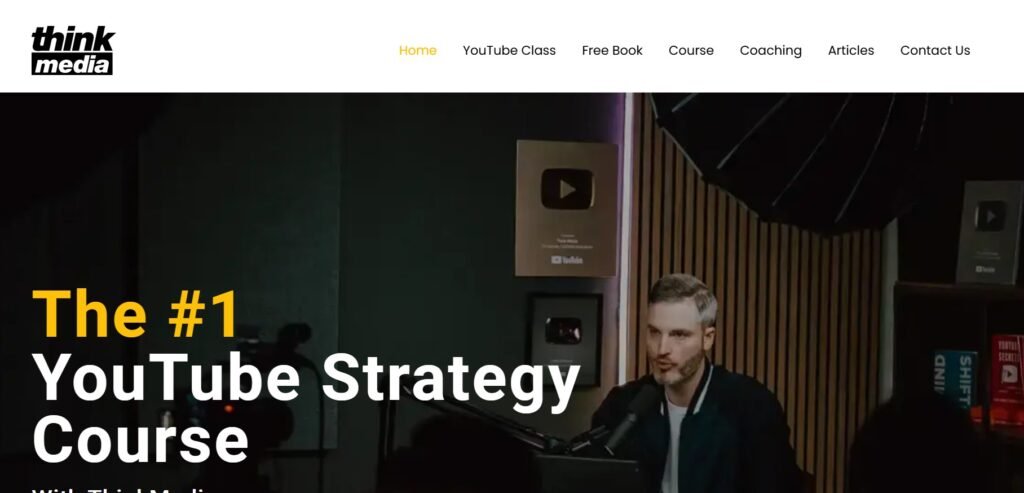
Think Media provides beginner-friendly content on YouTube and content creation. This makes it useful for aspiring editors who want to understand the larger content system.
Editing does not exist separately from content strategy. The type of content you create influences your editing choices. A tutorial may require clear screen recordings, while a promotional video may need faster pacing. A storytelling video, on the other hand, may benefit from longer pauses and stronger visual transitions.
Think Media’s broader creator education can help you recognise these differences. You can also apply the lessons to improve your own content workflow.
Create a simple video plan before you begin editing. Identify the key message, choose the strongest footage, and structure the edit around that message. This process saves time and prevents you from making random editing decisions.
If you are building a remote career, 5 Lucrative Remote Skills You Can Learn in 2026 can help you explore ways to combine video editing with other valuable digital skills.
8. MrAlexTech
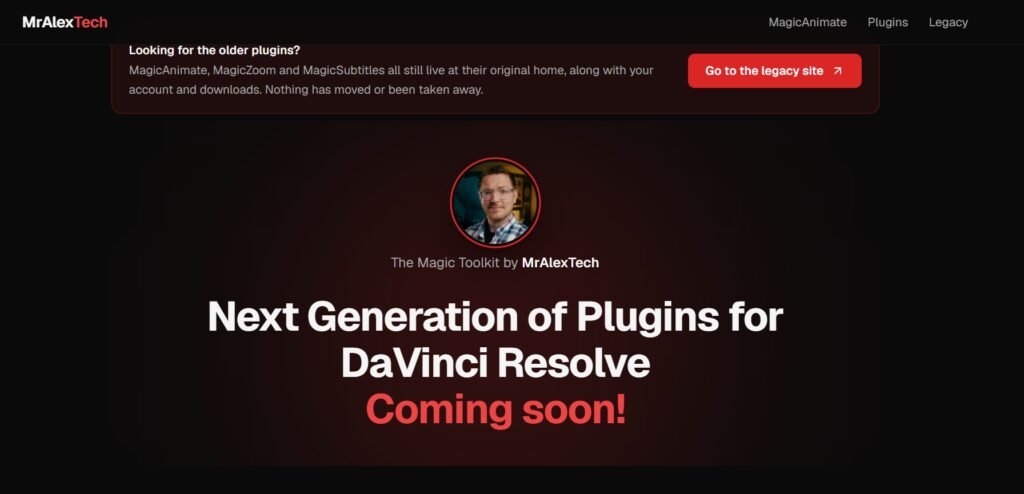
MrAlexTech provides direct tutorials for CapCut and DaVinci Resolve. This makes the channel useful when you want practical demonstrations rather than simply reading about a tool.
Follow along with your own footage as you watch. Pause when necessary and recreate each step. Then try the same technique without watching the tutorial. That final step matters because you want to understand the technique rather than simply memorise the process.
MrAlexTech’s content can also help when you feel stuck with a specific editing function. Search for the exact problem, follow the tutorial, and apply the lesson immediately. Then move on to the next task.
This approach keeps your learning focused. Avoid watching dozens of tutorials without creating anything. One finished project can teach you more than several hours of passive viewing.
Save this: 25 FREE Platforms To Learn Skills That Pay In 2026
9. Mixkit
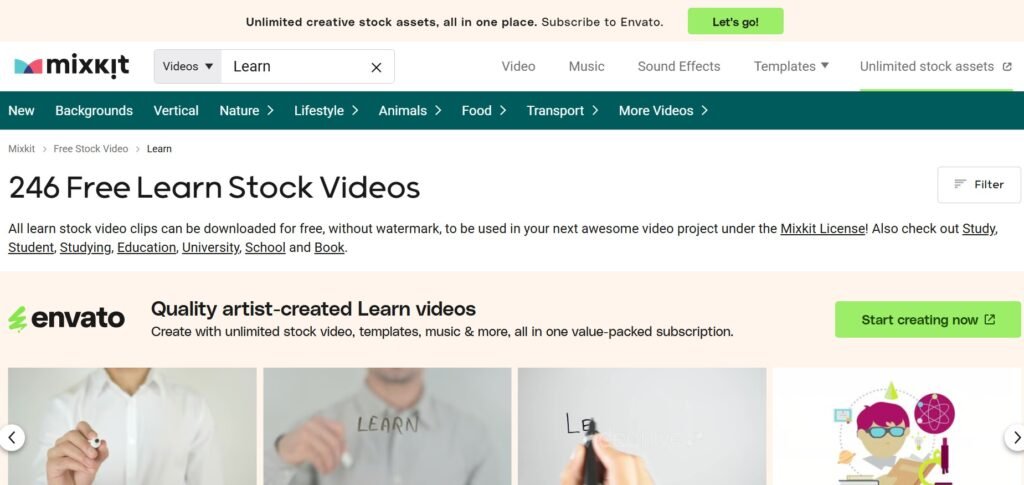
Mixkit gives editors access to free stock videos, music, and transitions. These assets can help you practise without filming everything yourself, which makes them especially useful for beginners.
You can download several clips and use them to create a short project. Try building a travel montage, creating a fictional advertisement, or making a simple social media video. You can also practise matching footage to music while improving your editing decisions.
Experiment with transitions as well, but use them sparingly. A transition should support the movement between clips rather than distract from the content.
Mixkit can also help when you need additional assets for a client project. Always review the current licensing terms for each asset before using it commercially. This precaution can help protect your work.
For people building content skills, 9 FREE AI Tools Every Remote Worker Should Have in 2026 can also help with planning, scripting, and other parts of the content workflow.
10. Pexels Video
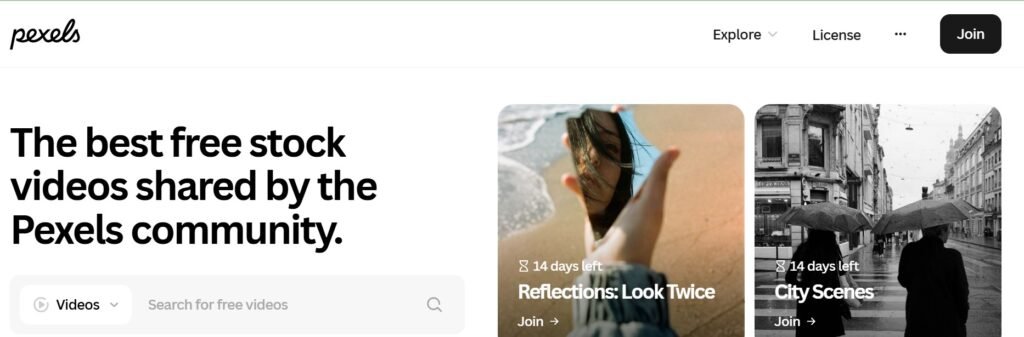
Pexels provides free stock video footage that can support your editing practice. You can search for clips based on subjects, locations, moods, and activities, giving you plenty of material for different practice projects.
Suppose you want to practise creating a promotional video. Search for business footage and download several relevant clips. Then build a 30-second advertisement with a simple voiceover, captions, and background music. Focus on how you pace each section and connect the footage.
You can repeat the exercise with different types of footage. This repetition can strengthen your editing instincts and help you build mock portfolio pieces.
Create fictional campaigns for businesses and use the footage to demonstrate your editing ability. However, do not present fictional client projects as paid work. Clearly label them as practice pieces so potential clients can understand the context. This approach gives potential clients something concrete to review when assessing your editing skills.
You can also expand your portfolio knowledge through 100 Hobbies That Will Turn Your Time Into Money and explore other skills that could complement video editing.
11. Pixabay Video and Music
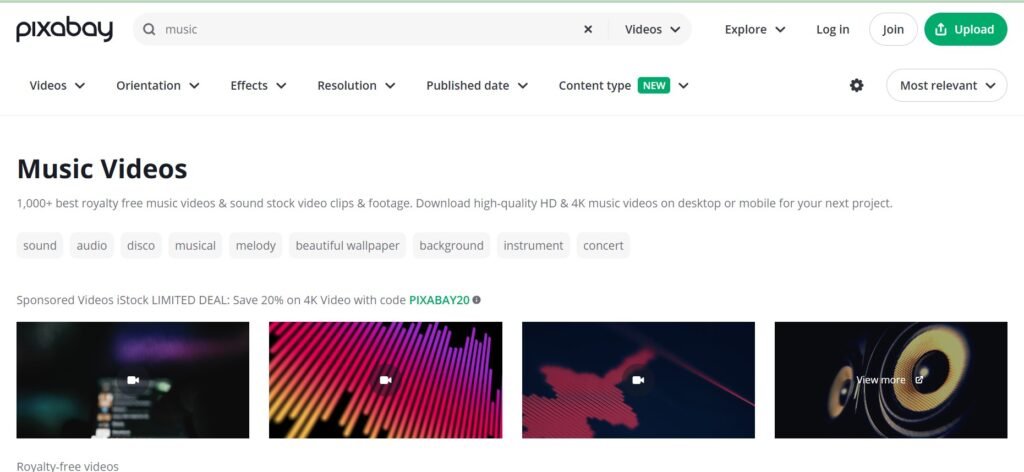
Pixabay provides another source of free video and music assets. The resource can help you find material for practice projects and some client work. Always check the current licence for each specific asset before commercial use. This step can help you avoid unnecessary copyright problems.
Pixabay becomes particularly useful when you need variety. You may need city footage, nature clips, or background music for a short social media video. Instead of recording everything yourself, you can combine stock resources with your own footage.
This approach also teaches you about compositing. You begin learning how different clips fit together to create a consistent final video.
Try matching footage with the same visual mood and choose clips with similar lighting. Pay attention to camera movement as well. These details can make the final video feel more consistent and polished.
Open this next: 6 Powerful Chat GPT Prompts to help reduce your workload
12. CapCut Free Templates
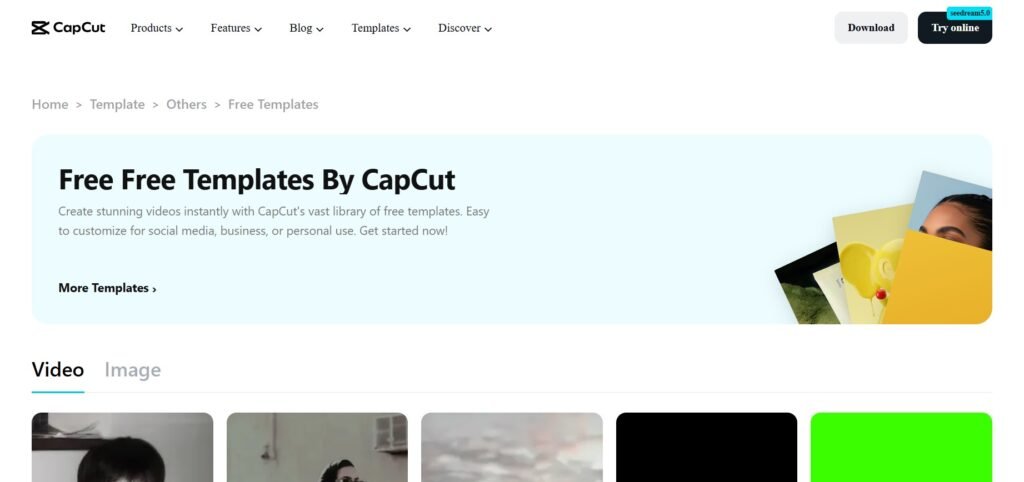
CapCut’s free templates can provide useful references for beginners. However, you should not rely entirely on templates. Instead, study how they are made. Watch the timing, notice how the clips change, observe the text placement, and pay attention to how the music synchronises with the visuals.
Then recreate the style manually. This exercise helps you understand the decisions behind short-form content and gives you a clearer sense of how different editing elements work together.
You can also experiment with different pacing. Try making the same edit faster, then create a slower version. Compare both results and consider which version holds your attention longer.
This method teaches you to make editing decisions instead of simply following presets. Templates can provide inspiration, but your judgement determines the final quality.
More guides here: 10 Skills AI Can’t Replace That You Should Be Learning
13. Re-Edit Viral Videos for Practice
Another effective way to practise video editing is to recreate videos you already admire. Choose a public video that uses editing techniques you want to understand better. Study its pacing, pause frequently, and watch where the editor makes each cut. Pay attention to the captions, observe the hooks, and notice how different elements work together.
Then recreate the style using your own footage or legally usable assets. Do not repost someone else’s work as your own or present the recreation as original client work. Treat it strictly as an editing exercise.
This method works because you have a finished reference instead of relying on guesswork. You can compare your editing decisions with the original and identify areas where your approach differs. That makes it easier to understand what works and what needs improvement.
Try recreating three different styles. One project can focus on fast cuts, another can emphasise storytelling, while a third can focus on educational content. Over time, you will begin identifying patterns that can become part of your editing instincts.
Come back to this: How to Make Your Current Skill More Valuable and Make Money (without learning a new one)
14. Volunteer Edits for Small Creators
Practice becomes more valuable when someone actually uses your work. Look for small creators, podcasters, YouTubers, or brands that need simple editing assistance. You can offer a limited free edit while setting clear boundaries from the beginning.
Explain exactly what you will provide and choose a small project that you can complete on time. The creator receives useful content, while you gain practical experience. You may also receive permission to display the finished project in your portfolio.
That permission matters. Always ask before using client-related work publicly. Volunteer projects can also introduce you to real client feedback. A creator may request different pacing, fewer captions, or the removal of certain sections.
Learning how to respond to those requests professionally can become valuable experience when you eventually start charging for your services.
For more ideas about finding opportunities online, explore 8 SMART Ways to Find Clients on X (Twitter) and Get Hired FAST.
15. Recreate Edits You Admire
Repetition remains one of the most effective ways to learn video editing. Choose an edit you admire, pause it, rewind it, and study the individual cuts. Then recreate the structure yourself and repeat the process with other examples.
Theory can explain editing principles, but practice teaches your hands and eyes to recognise them. Repeated exercises can also help you discover the type of editing you enjoy most.
Perhaps you prefer clean storytelling. Maybe you enjoy fast social media cuts or cinematic pacing. Try different approaches before choosing a niche.
The Truth Beginners Often Miss About Video Editing
Video editing is not mainly about effects. It is about pacing, clarity, and keeping the viewer engaged. You can create a technically impressive edit that nobody wants to watch, while a simple edit can become much more effective when the story flows naturally.
Imagine a boring clip that lasts twenty seconds. You cut the unnecessary pauses, add useful captions, improve the audio, and create a stronger opening. Suddenly, the same footage feels more engaging.
That transformation demonstrates editing skill. Do not measure your progress by how many effects you can use. Measure it by how much better your videos communicate. A strong editor also knows what to remove.
How to Practice With These 15 FREE Resources to Get You Started With Video Editing
Start with one editing tool. CapCut works well for beginners who want fast results, while DaVinci Resolve can provide a deeper long-term path. VN Editor offers another clean editing environment, and iMovie works well for Apple users.
After choosing your editor, pick one tutorial source. Daniel Schiffer can help you understand pacing, while Ali Abdaal offers lessons around clarity. Think Media provides creator-focused education, and MrAlexTech can help you understand CapCut and DaVinci Resolve.
Then choose a source for practice footage. Pexels, Pixabay, and Mixkit can provide useful material for different projects. Finally, start creating small videos instead of waiting until you feel ready.
Create a 30-second edit today. Make another tomorrow and try a different style next week.
You can also combine video editing with other digital skills. 10 FREE AI Courses With Certificates You Should Take Today can help you explore AI tools that may support creative workflows.
Build a Portfolio Before You Start Pitching
Your first portfolio does not need twenty projects. Three to five strong examples can provide a useful starting point. Create different types of videos, such as a short-form social video, a talking-head edit, a promotional video, and a tutorial.
You can then add another project that demonstrates your preferred style. For each example, explain what you did, mention the editing software, describe the challenge, and show the final result. This structure helps potential clients understand your abilities.
Practice projects can also strengthen your portfolio when you have no client experience. Label them honestly as “Practice Project” or “Spec Edit.” That transparency helps protect your credibility.
If you need help presenting your skills professionally, 10 Powerful Chat GPT Prompts to Help You Rewrite Your Resume can help you describe your experience more clearly.
You can also improve your professional presence through How to Optimize Your LinkedIn Profile Using ChatGPT.
Once your portfolio and profile are stronger, How to Write Your Cover Letter Using ChatGPT can help you prepare tailored applications.
How to Find Your First Editing Opportunity
Do not wait for a perfect job listing before looking for editing opportunities. Small creators may need editing help, while local businesses may need social media videos. Podcasters, online coaches, and nonprofits may also need video content.
Start by identifying people who already publish content. Then offer a simple service and keep your initial message short. Mention something specific about their content and explain how you can help. Share a sample when appropriate. Avoid sending the same generic pitch to everyone. Personalising your outreach can make your communication more relevant.
You can also explore 6 FREE Websites That Gets You Hired FAST when looking for remote opportunities.
Use 10 Things You Must Do Immediately After Applying for a Job to strengthen your follow-up process.
If you want broader career guidance, 8 Skills to Aggressively Learn and Focus on If You Are in Your 30s offers another perspective on strategic upskilling. That remains one of the key lessons behind these 15 FREE Resources to Get You Started With Video Editing.
Do not spend all your energy collecting courses. Spend it creating videos.
Final Thoughts
These 15 FREE Resources to Get You Started With Video Editing can give you a practical foundation for learning and practising. CapCut offers an approachable starting point, while DaVinci Resolve can take your skills further. VN Editor keeps the editing process simple, and iMovie works well for Apple users.
YouTube channels can teach important skills such as pacing, clarity, and storytelling. Mixkit, Pexels, and Pixabay provide useful practice assets, while CapCut templates can help you study editing patterns.
Recreating videos you admire can sharpen your judgement, and volunteer projects can give you practical experience. Small practice projects can eventually become portfolio pieces.
The biggest lesson remains simple. You do not need expensive equipment to begin, and you do not need a paid course before making your first edit. You need practice, patience, and a willingness to improve.
Start with one tool and create one short video. Then create another. Over time, your editing eye can become sharper, your workflow can become faster, and your work can become more valuable.